Nothing quietly falls through
Every task carries its own reminder, and the reminder does not depend on anybody remembering to look. It fires when it is due, or the moment the software next runs — even if nobody had the program open that day.

Twenty years selling scheduling software into universities on five continents taught us exactly what a small sales team has to remember, follow through on, and never quietly lose. Wise CRM is that system — built for us first, and now for teams running the same long, relationship-driven B2B cycle.



Microsoft Store · Windows 10/11 · no account, nothing expires, nothing locked
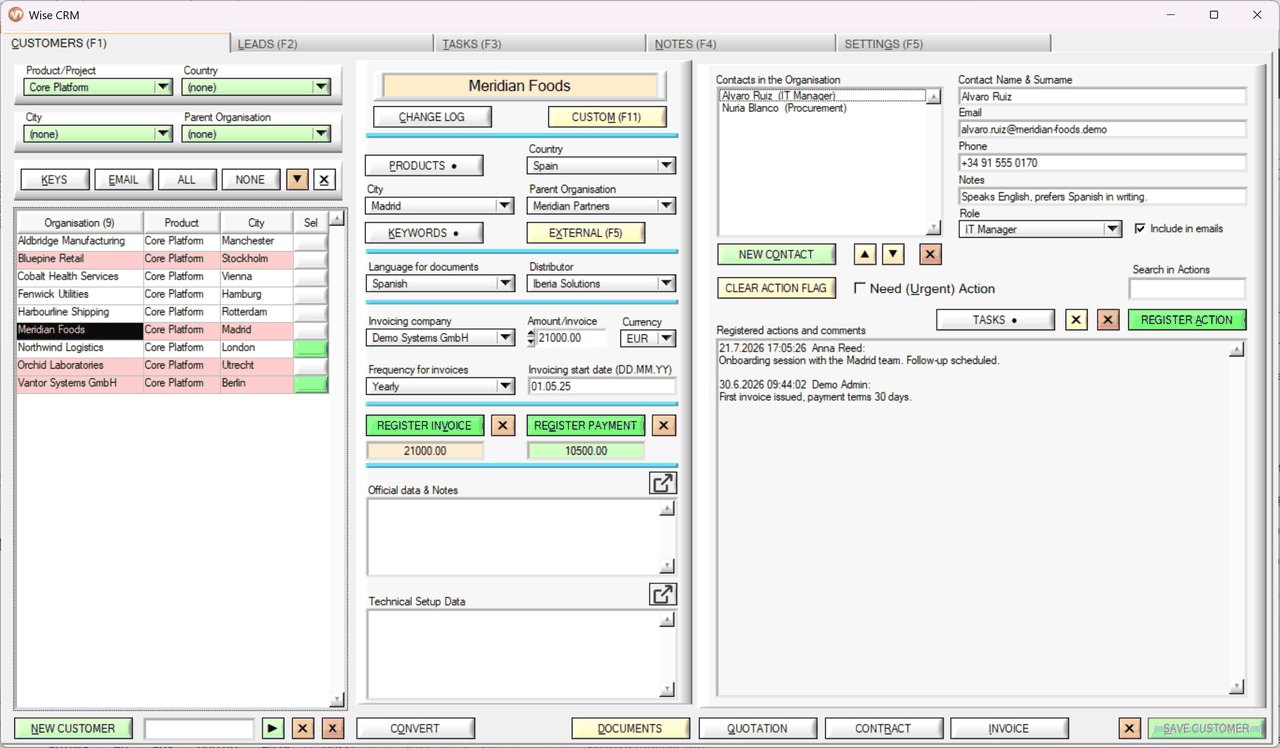
Three things a small sales team feels in the first week.
Every task carries its own reminder, and the reminder does not depend on anybody remembering to look. It fires when it is due, or the moment the software next runs — even if nobody had the program open that day.
Mass e-mail, task management, document storage and mailbox monitoring are in the program, not wired to it. Nothing in the middle to subscribe to, and nothing that breaks when one of them changes.
A licence is one directory on your own server. Your contacts are never uploaded to somebody else's platform, and backing the whole thing up is copying a folder.
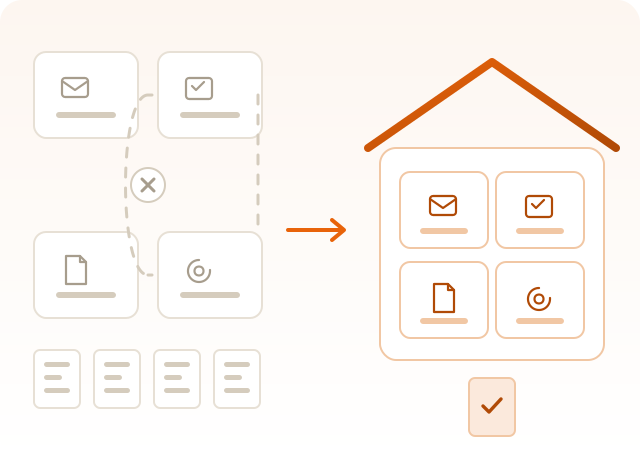
Most CRMs are a hub you then have to furnish: a mailing platform over here, a task tool over there, a document store somewhere else — each with its own monthly bill, its own login, and a connector in between that breaks when one of them changes.
Wise CRM has all four, and they were built together rather than wired together. That is why a reply arriving in your shared mailbox can raise a flag on a customer record, and why a task can open the account it is about.
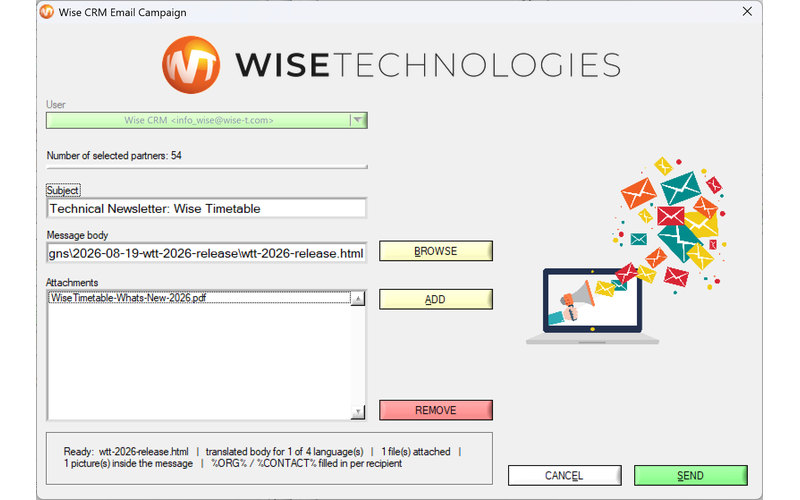
This is the part most teams go out and rent. A campaign to your customers and leads is written in one window inside Wise CRM and leaves from your own mailbox - the recipients are simply the list you already filtered on screen.
Nothing is exported, nothing is uploaded, and nobody charges you per contact per month for the privilege of holding your customer list.
Extremely simple. Simply revolutionary.
One application, one licence, one place your data lives — and nothing to integrate.
No modules you will never touch. Every part of Wise CRM exists because we needed it ourselves.
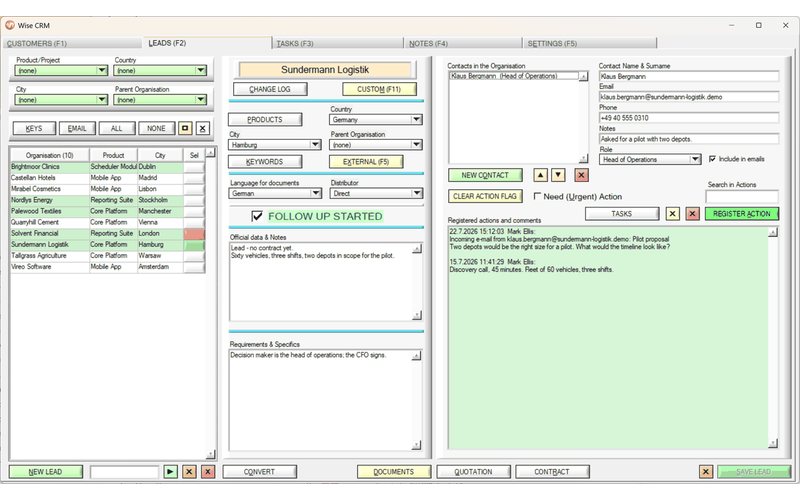
Reminders that fire on time, a three-state view of your leads, and an overdue list that shows only what is actually late.
Search that helps you look and filters that actually narrow — kept deliberately separate. Keywords mean AND, not OR.
A record locks while a colleague edits it, and every change is logged with no extra step for anybody to remember.
Invoiced and paid per account, documents attached to the record they belong to, and a CSV import that merges instead of overwriting.
Wise Technologies has spent two decades building and selling Wise Timetable, scheduling software now running at hundreds of universities, including Oxford and other major organisations. That business runs on a long sales cycle: a lead can take months to become a customer, and the relationship can run for years after that.
We tried running it on general-purpose CRM software. It never quite fit — too much of it was built for short sales cycles, or buried the few things that actually mattered under features we did not need. So we built our own, to the same engineering standards we hold our own product to.
Wise CRM has managed our own customer and lead base in daily use ever since. What you are looking at is not a pitch deck — it is the tool our own team opens every morning.
Install it from the Microsoft Store and press LOG IN — a fresh installation already opens on the public demo licence — and you are inside the full application in about two minutes. No account, no sales call first.